Resume-to-portfolio import
Reuse your experience, education, skills, projects, certifications, and profile details without retyping them.
Workfolio brings your professional presence and documents together: publish a portfolio, build from 102 company-ready resume templates, create workplace letters, and keep everything organized in one secure account.
Show your profile, skills, career history, projects, education, credentials, and custom sections on one clean Workfolio page. Start from scratch or import the information you already entered in a resume.
Build my portfolioReuse your experience, education, skills, projects, certifications, and profile details without retyping them.
Portfolio creation never turns on public access automatically. Publishing is an explicit account action.
Public visibility and search-engine indexing are separate controls, so a portfolio can remain link-only.
Choose Emerald, Minimal, or Midnight while keeping the same structured portfolio content.
Start from guided drafts for common career and workplace situations, personalize every sentence, then preview and save the final letter as PDF.
Open Work Letter BuilderResignation and retirement notices with editable dates, recipients, reasons, and transition language.
Cover letters, job applications, interview follow-ups, offer acceptance, decline, and counterproposal drafts.
Leave, vacation, transfer, promotion, salary review, employment verification, and recommendation requests.
Written explanations, grievances, professional apologies, plus a custom professional letter for any other purpose.
These six examples are strong starting points for conventional company applications. Explore the full 102-template library to match your industry, role, experience level, and ATS requirements.
102 templates availableUse Template Finder. Four quick choices produce 3–5 ranked recommendations with clear reasons based on ATS strength, company fit, industry, seniority, and visual style.
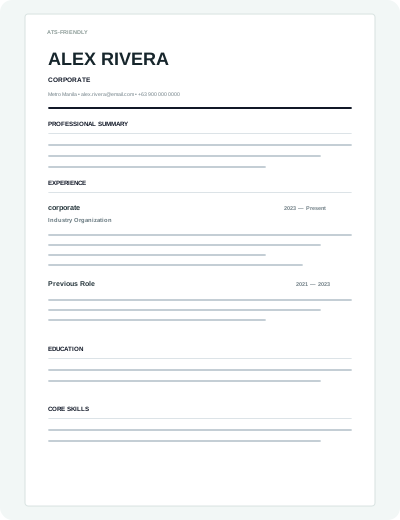 Use this template
Company Ready
Use this template
Company Ready
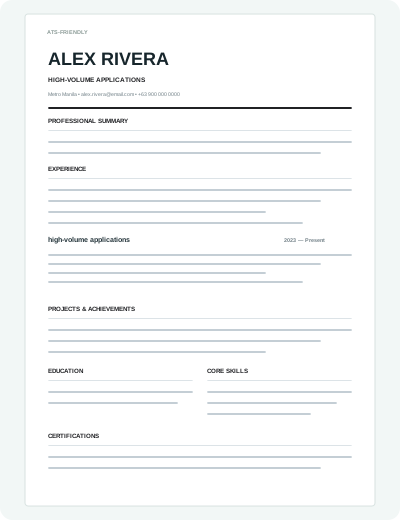
Conservative one-column resume built for strict applicant tracking systems.
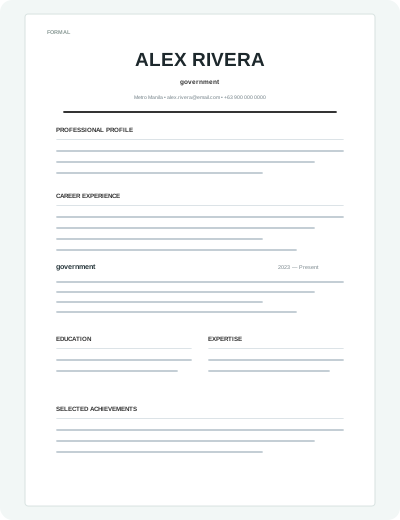 Use this template
Company Ready
Use this template
Company Ready
Traditional business correspondence style with conservative typography and spacing.
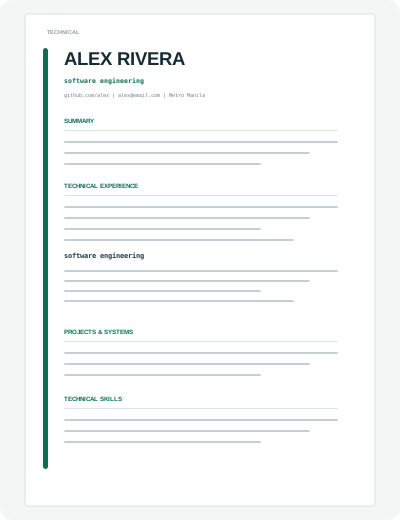 Use this template
Company Ready
Use this template
Company Ready
Engineering-first one-column layout with strong project and technology scanning.
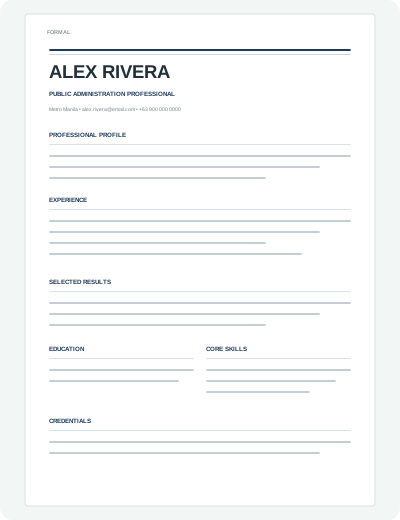 Use this template
Company Ready
Use this template
Company Ready
Formal public-sector resume with conservative rules, clear chronology, and strong print readability.
 Use this template
Company Ready
Use this template
Company Ready
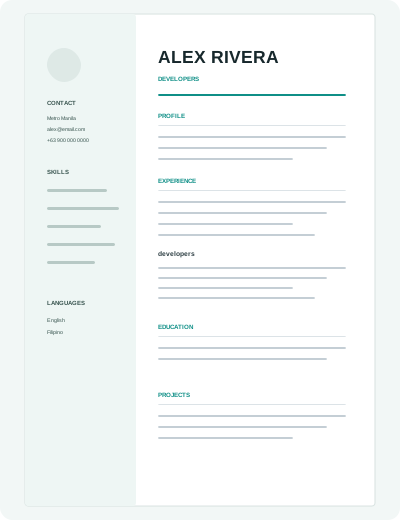
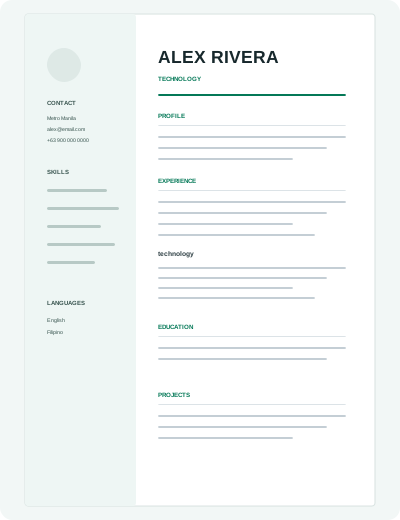
Contemporary emerald sidebar layout with balanced contact, skills, and experience treatment.
 Use this template
Company Ready
Use this template
Company Ready
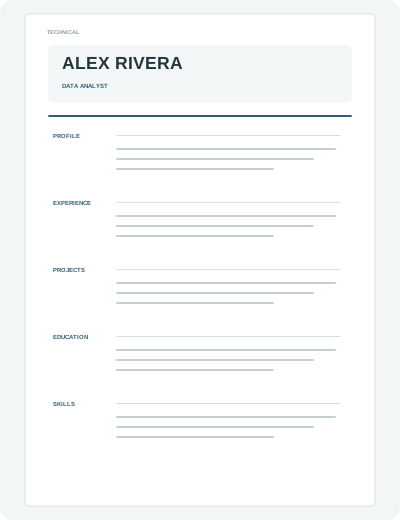
Role-focused technical resume for analytics applications with clear hierarchy and print-safe structure.
For most employers, start with a Company Ready or ATS Excellent template. Creative layouts remain available for portfolio-led roles where visual presentation is part of the hiring decision.
The editor focuses on the things companies actually review: clear experience, relevant skills, readable structure, and a polished final document.
Start with a company-ready templateWork through personal information, summary, experience, education, skills, projects, certifications, languages, and references.
Use built-in summary and achievement ideas to move past the blank page, then edit them into your own voice.
Switch templates, accent colors, fonts, spacing, visibility, and section order without re-entering your information.
Open a print-ready version for PDF export or enable an optional public resume link when you want to share online.
Filter 102 designs manually or use Template Finder for ranked recommendations based on your application.
Follow guided sections while the document updates beside you in real time.
Polish the design, check readiness, then print or save your final PDF for the employer.
The editor adapts to smaller screens with dedicated section and preview controls, so you can update your resume wherever you are.
What you need to know before you start.
Start with Template Finder if you are unsure. It ranks templates using your application type, industry, career level, visual preference, ATS strength, and Company Ready status. You can also manually start with a Company Ready or ATS Excellent template.
Yes. Your resume content is stored separately from the visual template, so you can switch designs from the editor without retyping your information.
The collection includes ATS-rated layouts, especially ATS Classic and the other ATS Excellent templates. For highly automated application portals, simple single-column formatting is usually the safest choice.
Yes. Use the PDF / Print action in the editor to open the print-ready document and save it as PDF using your browser.
No. New resumes are private by default. You can explicitly enable a public share link from the editor or dashboard.
Publish your portfolio, create the resume, letter, or career document you need, and keep it ready for what comes next.